potential analysis
blogStart potential analysis
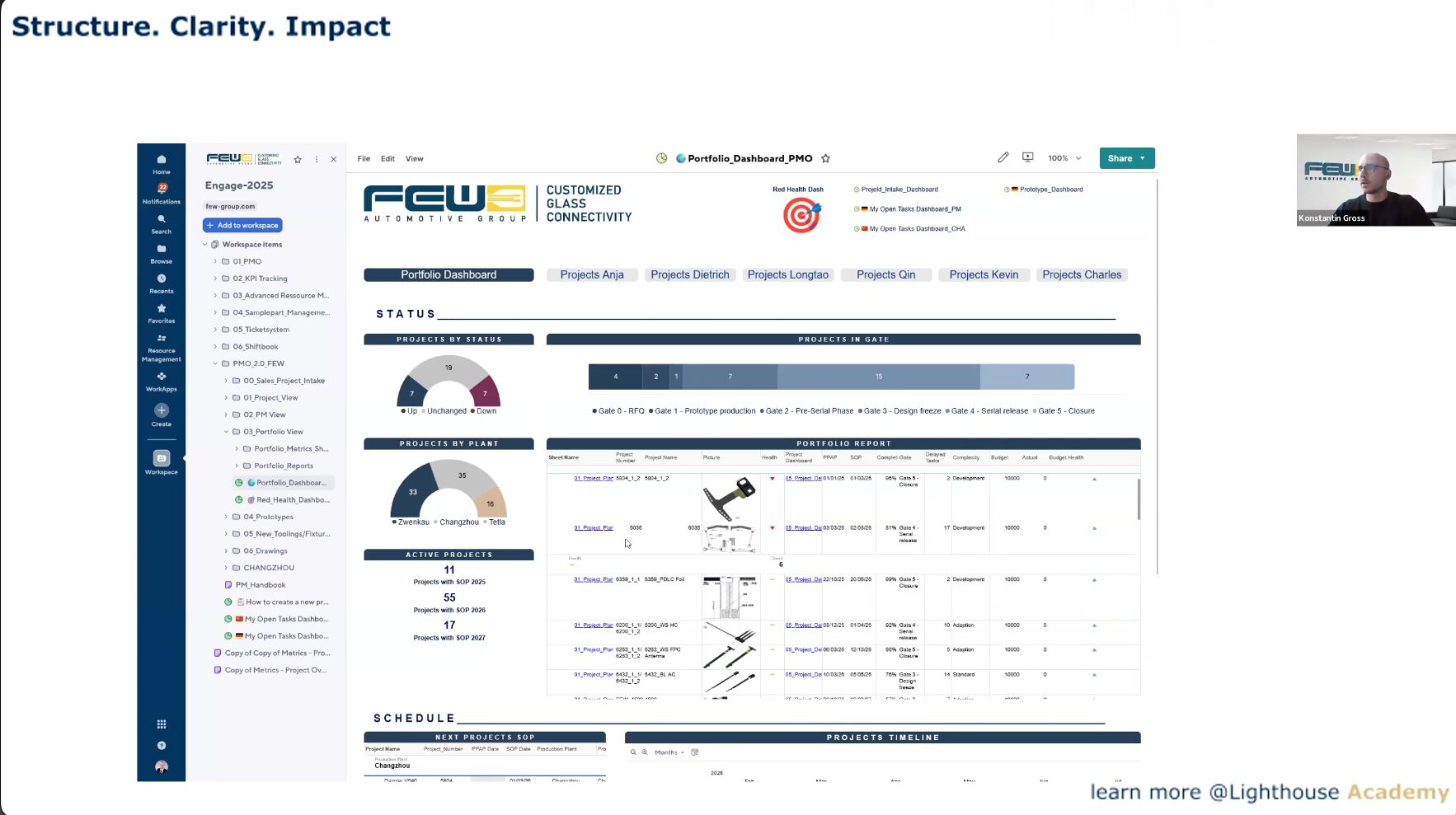
Structure. Clarity. Impact.

Your tools are there.
But is your team really working efficiently?

Smartsheet, AI assistants, automation: the tools are there. What's missing is the know-how to use them right. Our webinars and courses fill that gap.

0Participants
0States
0Courses
0Rating
Familiar with
FEW Automotive Thermo Fisher Scientific SMA Solar Technology Loesche GmbH Smartsheet DHBW Stuttgart Forbes Business Council FEW Automotive Thermo Fisher Scientific SMA Solar Technology Loesche GmbH Smartsheet DHBW Stuttgart Forbes Business Council
The problem

Why tools alone do not improve processes

Whether it's Smartsheet, AI, or automation: without expertise, every tool remains below its potential.

Tool investments without ROI

Companies invest in Smartsheet, AI tools, and automation, but only a fraction of the possibilities are being utilized.

Teams remain beginners

80% of daily Smartsheet users consider themselves beginners, even after months of use. And when it comes to AI or automation? Even less expertise.

Execution gap

The strategy exists, but its implementation fails due to a lack of processes, templates, and best practices.

1
webinars
Free, weekly
Free of charge
2
academy
Self-study courses
From $34
3
team training
Tailor-made
Upon request
The Promise

What changes in 90 days

When your team attends our webinars and completes courses.

3x
Faster training of new employees in your tools
80%
Fewer queries thanks to standardized processes
5h
saved per week by automating repetitive tasks
1
Central platform instead of five different isolated solutions
For whom

Whether project manager or management

Our content is for anyone who wants to achieve operational excellence with modern tools.

Project Manager & PMO

Structure projects, automate reporting, manage stakeholders.

IT & Administrators

Governance, permissions, API integrations, automation under control.

Operations & Manufacturing

Digitize processes, identify bottlenecks, track KPIs in real time.

Management

Secure ROI on tool investments, increase adoption, make strategic decisions.

subject areas

What we talk about

Our webinars and courses cover six core areas. A different topic every week.

Smartsheet Mastery

From basics to enterprise: formulas, automations, dashboards, control center.

SmartsheetAll Levels

AI in project management

Claude AI, ChatGPT, and others for reports, analyses, decision templates, and automation.

Claude AIPrompting

workflow automation

n8n, Smartsheet Automations, API integrations: Eliminate repetitive tasks.

n8nAPI

Data analysis & reporting

KNIME, Smartsheet Reports, KPI dashboards: Understanding and visualizing data.

KNIMEDashboards

Operational excellence

CAPEX tracking, SIOP, gate reviews, project profitability: digitizing manufacturing processes.

ManufacturingProcesses

Change & Adoption

Rollout strategies, governance, user adoption: How new tools are really received in the company.

StrategyTraining

Tools we use and teach

iW
Smartsheet
AI
Claude AI
n8n
n8n
KN
KNIME
GP
Google Workspace
Free webinars

Practical knowledge that changes processes

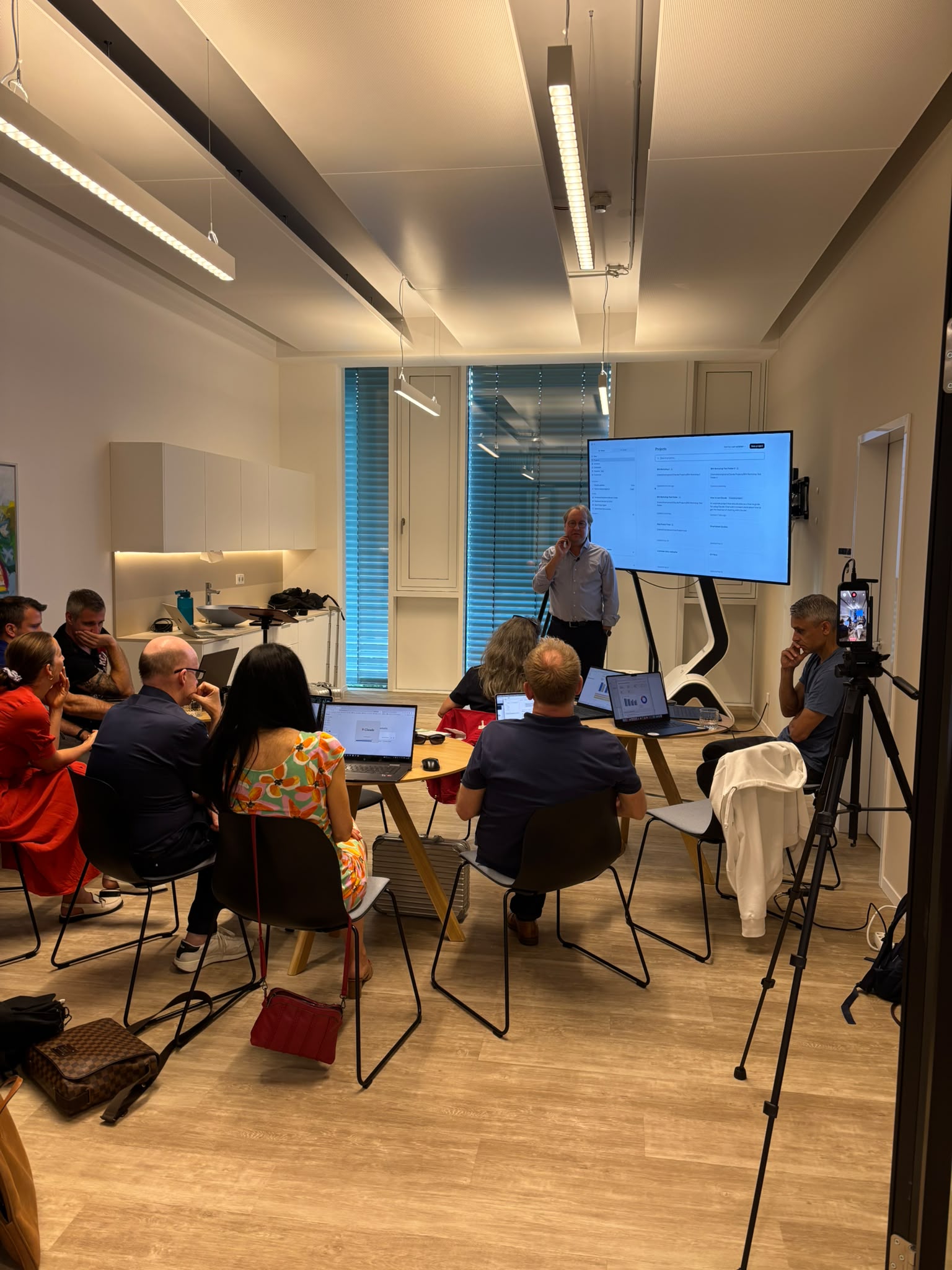
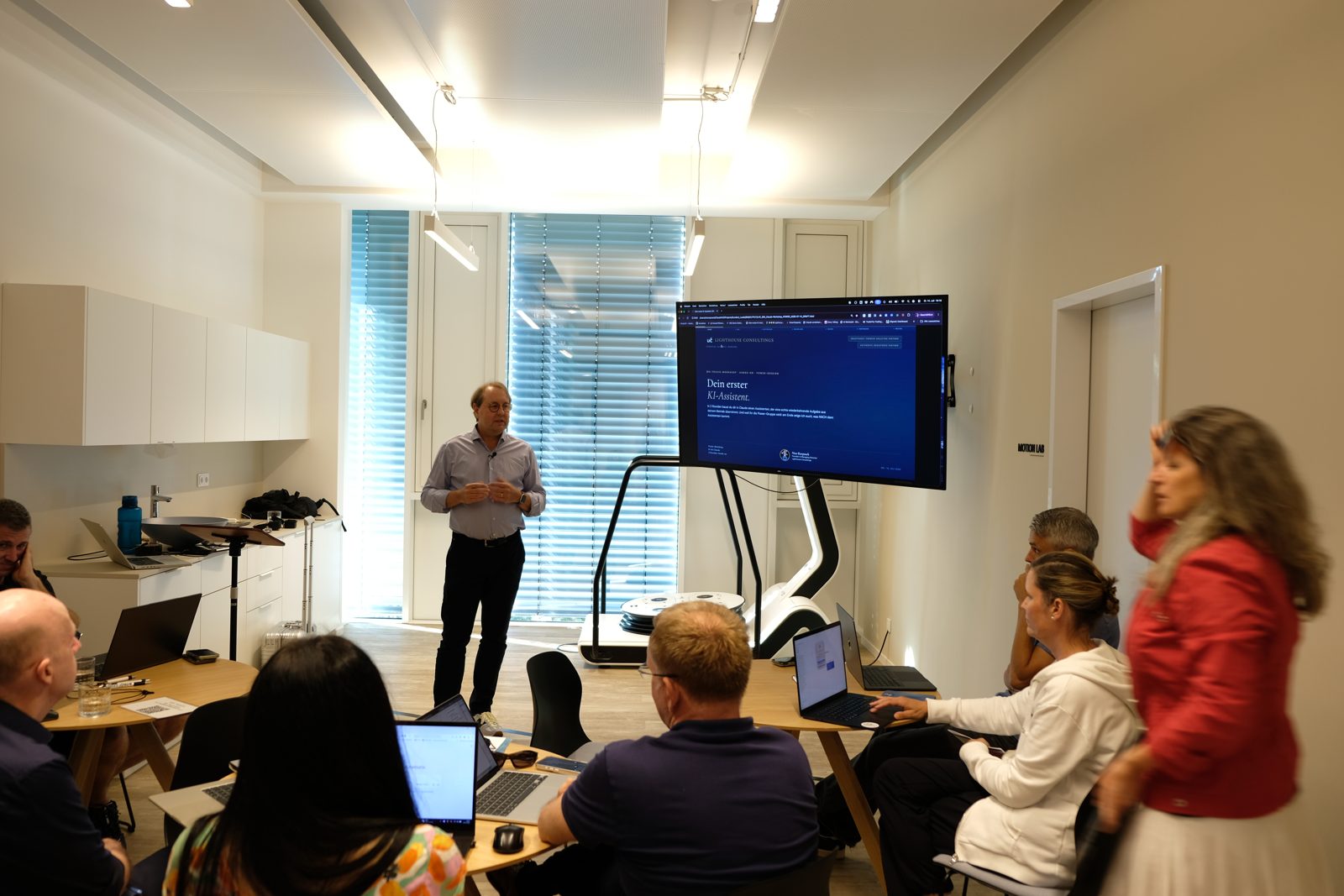
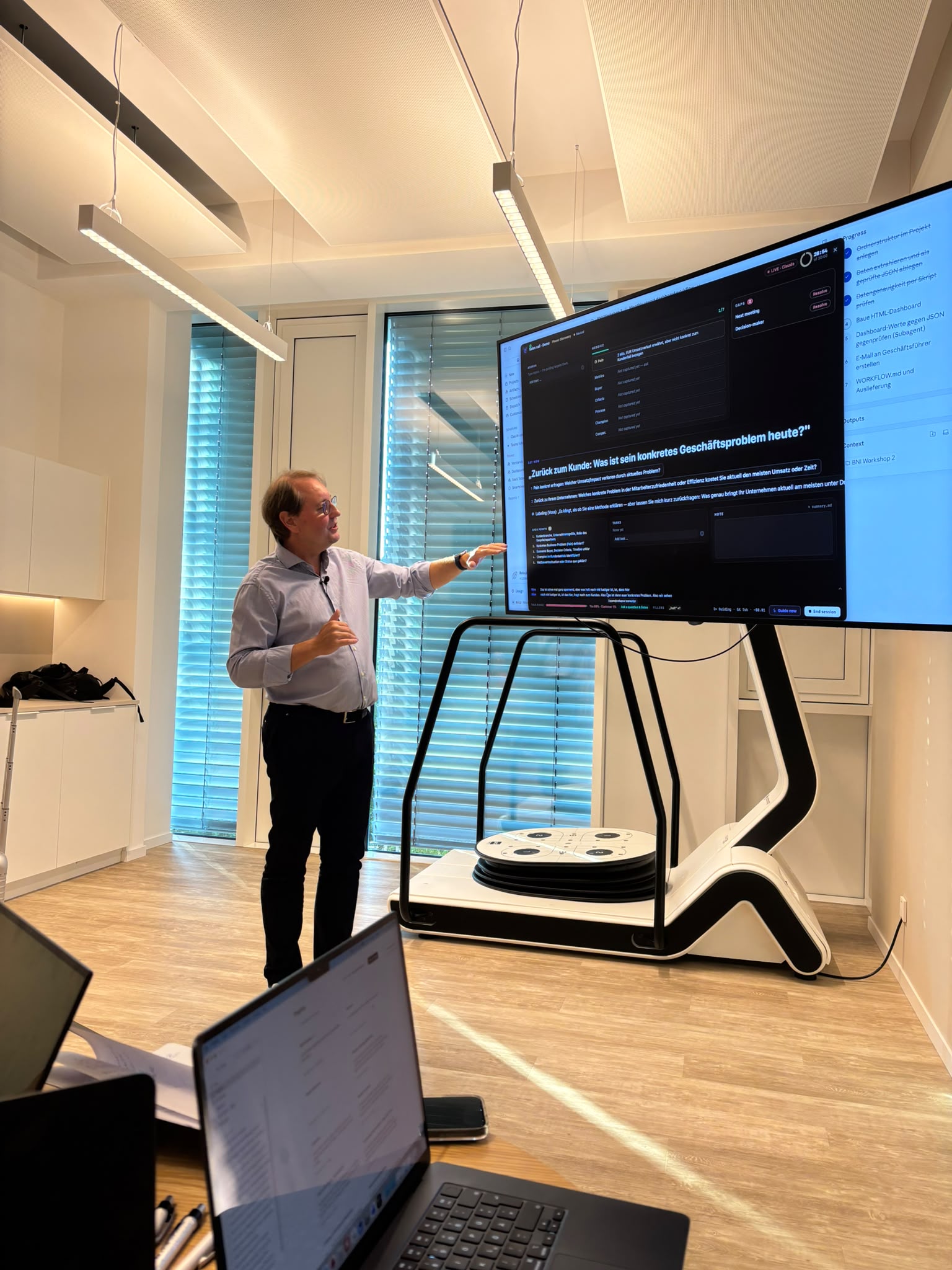
Live webinars on Smartsheet, AI tools, automation, and operational excellence. Featuring real users, case studies, and Q&A.

SmartCapacity Resource Management

Coffee to Go: Smart Resource Management for Smartsheet

Nico Roepnack Nico Roepnack Lighthouse Consultings

Live Demo: SmartCapacity, the AI Intelligence Layer for Smartsheet. AI-powered workload optimization, skill matching, and bottleneck prediction in 30 minutes.

SmartCapacitySmartsheetAIAll LevelsEnglish
March 24, 2026, 6:00 p.m.
Sign in
Work management with AI

Intelligent Work Management with AI (Workshop)

Nico Roepnack Nico Roepnack Lighthouse Consultings

Automation with n8n + Smartsheet. Hands-on workshop with live exercises, templates, and best practices from real customer projects.

n8nSmartsheetAdvanced
12.03.2026
Sign in
Thermo Fisher Smartsheet

From Excel Chaos to Project Transparency

Florian Zbinden Florian Zbinden Thermo Fisher Scientific

How a global corporation manages 30 locations with Smartsheet and creates project clarity.

SmartsheetCase studyAll levelsTitle in coordination
19.03.2026
Sign in
Work management with AI

Intelligent Work Management with AI (Workshop)

Nico Roepnack Nico Roepnack Lighthouse Consultings

Automation with n8n + Smartsheet. Hands-on workshop with live exercises, templates, and best practices from real customer projects.

n8nSmartsheetAdvanced
26.03.2026
Sign in

The Seattle Benchmarks: FEW Automotive's recipe for success

KK Konstantin Kuligin FEW Automotive Group

Konstantin Kuligin shares Smartsheet best practices from 30 locations.

SmartsheetExpertDate to be announced

Scenario planning + resource management

How to model scenarios and optimally allocate resources with Smartsheet.

SmartsheetAdvancedDate to be announced

Smartsheet for Beginners: Live Demo

The perfect start: Sheets, reports, dashboards in 60 minutes.

SmartsheetBeginnersDate to be announced

Lunch & Learn: Smartsheet tips in 30 minutes

Short, concise, practical. A new topic every month during your lunch break.

SmartsheetBeginnersDate to be announced

Smartsheet Dashboards in PowerPoint: How to Automate Your Reporting

Nico Roepnack Nico Roepnack Lighthouse Consultings

30-minute session: Four ways to automatically transform Smartsheet data into professional PowerPoint presentations.

SmartsheetPowerPointAll LevelsDate to be announced
Thermo Fisher Webinar

From Excel Chaos to Project Transparency: Thermo Fisher Scientific

How a global corporation manages 30 locations using Smartsheet. With Florian Zbinden, Senior Project Manager, Global Quality PMO.

SmartsheetCase StudyAll LevelsOn-demand
Claude AI + Smartsheet

38 questions in 30 minutes: Claude AI + Smartsheet Micro-Learning

Nico Roepnack Nico Roepnack Lighthouse Consultings

Coffee to Go Format: 4 interactive dashboards built live, 38 questions in 30 minutes. Record engagement.

SmartsheetClaude AIExpertOn-demand

KNIME Masterclass: Introduction to Data Automation

Module 1: The basics of data automation with KNIME.

KNIMEBeginnersOn-demand

KNIME Masterclass Level 1: First Workflows

Hands-on: Your first KNIME workflow from scratch.

KNIMEBeginnersOn-demand

FEW Automotive: From spreadsheet to system

The complete transformation from Excel to Smartsheet at FEW Automotive.

SmartsheetAll LevelsOn-Demand
Try it yourself

Interactive tools & calculators

Don't just watch, apply it directly. Our free tools help you evaluate the status quo.

potential analysis

10 questions, 2 minutes: Where does your company stand with Smartsheet and work management? Instant results with specific recommendations for action.

Free of charge 2 min. Start

CAPEX calculation scheme

Evaluate your investment projects in a structured manner. Enter your figures and immediately calculate amortization and ROI.

Free of charge Interactive Open calculator

Project profitability calculator

Calculate the profitability of your projects: costs, revenue, break-even point. With export function for your decision template.

Free of charge Interactive Open calculator

Gate Review System

Assess the maturity level of your project approval processes. Interactive self-check with a 5-stage gate model.

Free of charge 5 min. Start gate review

Adoption Survey

6 questions, 2 minutes: How well is your organization actually using Smartsheet? Instant benchmark with actionable recommendations.

Free 2 min. Start Survey

OTE Assessment

10 questions, 3 minutes: How well does your operational excellence work? Dimensions: Innovation, collaboration, decision-making, agility.

Free of charge 3 min. Start assessment
self-assessment

Smartsheet Adoption Survey

How well is your team actually using Smartsheet? 6 questions, instant benchmark, actionable next steps.

LHC Academy & Services

From knowledge to implementation

Three ways to dive deeper: self-study, analysis, or customized training.

Analysis & assessment of current situation

Assessment & Report

We analyze where your team stands and provide a concrete action plan.

Smartsheet Adoption Survey (10 questions)
Management report with benchmark
Strengths/weaknesses analysis
Concrete action plan
60-min. presentation of results
Optional: Lean Assessment Add-on
transformation

Team Training & Consulting

Tailored to your company: We train your team and implement processes together.

Individual curriculum
Training with your real projects
On-site or remote (1-3 days)
Templates + Governance Guide
Adoption Survey included
30-day follow-up care
online courses

On your own. At your own pace.

Practical video courses for Smartsheet users. Buy once, use forever.

Smartsheet Power User Essentials: Views, Dropdowns & Filters

Smartsheet Power User Essentials: Views, Dropdowns & Filters

Discover the features most Smartsheet users never find. Short concept videos introduce each capability, with deep-dive workshops on dynamic dropdowns (linked & dependent). Covers: Table View, Dynamic Dropdowns, Smart Columns, Custom Views, Gantt View, Dashboard Filters, Update Requests. Works with any Smartsheet plan. No Enterprise required. Want the full hands-on experience? Upgrade to the complete Smartsheet Power User course ($199) for all modules, templates, and certificate.

FREE
Understanding Smartsheet AI: What Works, What Breaks, What Delivers

Understanding Smartsheet AI: What Works, What Breaks, What Delivers

Not another feature overview. This is a hands-on AI workshop. Three structured deep-dive sessions with stress-test videos, a downloadable practice template, and a complete prompt library organized by difficulty level. Workshop 1: AI Formula Generator 6-minute video + 4-level prompt framework (Basic to Expert). Stop memorizing syntax. Describe what you need in plain English. Workshop 2: AI Data Analysis 7-minute video. Turn raw project data into visual insights using AI. Workshop 3: AI Text & Summaries Generate summaries, extract patterns, automate text analysis. Plus: 5 concept videos on AI fundamentals and responsible usage. Includes: - Downloadable Smartsheet template with 50-project practice data - Complete copy-paste prompt library (20+ tested prompts) - Lifetime access + all future AI feature updates Every feature stress-tested with real data. You see what works, what breaks, and what delivers results.

$49
Smartsheet Power User: AI, Automation & Tools + Certificate

Smartsheet Power User: AI, Automation & Tools + Certificate

This course grows with you, because Smartsheet keeps growing. New AI features, fresh automations, better workflows: what Smartsheet releases today is in the course tomorrow. Buy once, learn continuously. No expiry date, no outdated content. You will learn how to use AI inside Smartsheet, and how to connect Claude and n8n to your workflows, regardless of your license level. Business or Enterprise, you always walk away with something actionable. Topics covered: Smartsheet AI features in practice Automations that actually run Dashboards that drive decisions Claude and n8n as Smartsheet extensions Best practices from real projects A living course. Every time Smartsheet releases a relevant feature, the course gets updated. All new content included at no extra cost.

$199
Our lecturers

Practitioners, not theorists

Our speakers come directly from the industry: project managers, digitalization experts, automation specialists. Real projects, real results.

Nico Roepnack
Nico Roepnack
Founder & CEO
Lighthouse Consultings
DHBW Lecturer Forbes Council
Business information systems
Konstantin Kuligin
Konstantin Kuligin
Head of Digitalization
FEW Automotive Group
30 locations ENGAGE Speaker
Florian Zbinden
Florian Zbinden
Project Manager, Global Operations
Thermo Fisher Scientific
30+ locations Fortune 500
Szabolcs Toth
Szabolcs Toth
Expert in Lean & Six Sigma
guest lecturer
Lean Lean Six Sigma
Till Mutschke
Till Mutschke
Data & Analytics
guest lecturer
KNIME Data Analysis
+
Become a lecturer
Guest lecturers wanted
Your company
Practical speaker
Apply now
Votes

What participants say

The webinar opened our eyes. We've had the tools for a year, but only now do we understand how everything works together.

MK
Michael, Project Manager
mechanical engineering

Finally, practical training courses in German. Not just explanations of functions, but real workflows from the industry. The Pro course paid for itself on the first day.

SB
Sandra, Operations Lead
automotive

The FEW case study was worth its weight in gold. Finally, someone showing how Smartsheet really works in a corporation with 30 locations.

TH
Thomas, Head of IT
plant engineering

We booked team training for 15 employees. Within two weeks, adoption had risen from 30% to 85%. Highly recommended.

AW
Andrea, Chief Operating Officer
chemistry

Does your entire team need digital skills?

Customized training for your company: Smartsheet, AI tools, automation. Using your real projects and data.

  • Individual curriculum based on your level of maturity
  • Training with your real projects and data
  • On-site or remote, 1-3 days
  • Includes Adoption Survey + Management Report
Send inquiry
team training
from EUR 1,500
per day, remote or on-site
Preliminary Analysis (Adoption Survey)
Customized Curriculum
Templates + Governance Guide
30-Day Follow-Up Support
Frequently Asked Questions

Frequently asked questions

Are the webinars really free?

Yes, all live webinars are free of charge. We believe in the value of practical knowledge and want to make it as easy as possible for as many teams as possible to get started. The recordings are exclusively available to members of our LinkedIn community.

Do I need prior knowledge for the academy courses?

The basic course does not require any prior knowledge. For the pro course, we recommend at least 3 months of active Smartsheet use. The enterprise course is aimed at administrators and IT managers.

How does this differ from manufacturer training?

Manufacturer training courses explain individual functions. We demonstrate end-to-end workflows. Our courses are based on real DACH projects (manufacturing, automotive, pharmaceuticals), are in German, and combine tools such as Smartsheet, n8n, and AI assistants to create practical solutions.

Can I share the courses with my team?

Individual courses are licensed per person. For teams of 5 or more people, we recommend our team training, which is tailored to your company and is significantly more cost-effective.

Will I receive a certificate?

Yes. After completing the course and the final quiz, you will receive a digital certificate from Lighthouse Consultings, the official Smartsheet Gold Partner for the DACH region.

Don't miss any webinars

Receive notifications about new appointments, academy courses, and exclusive practical tips.

Smartsheet Gold Partner – Lighthouse Consultings in the Smartsheet Marketplace